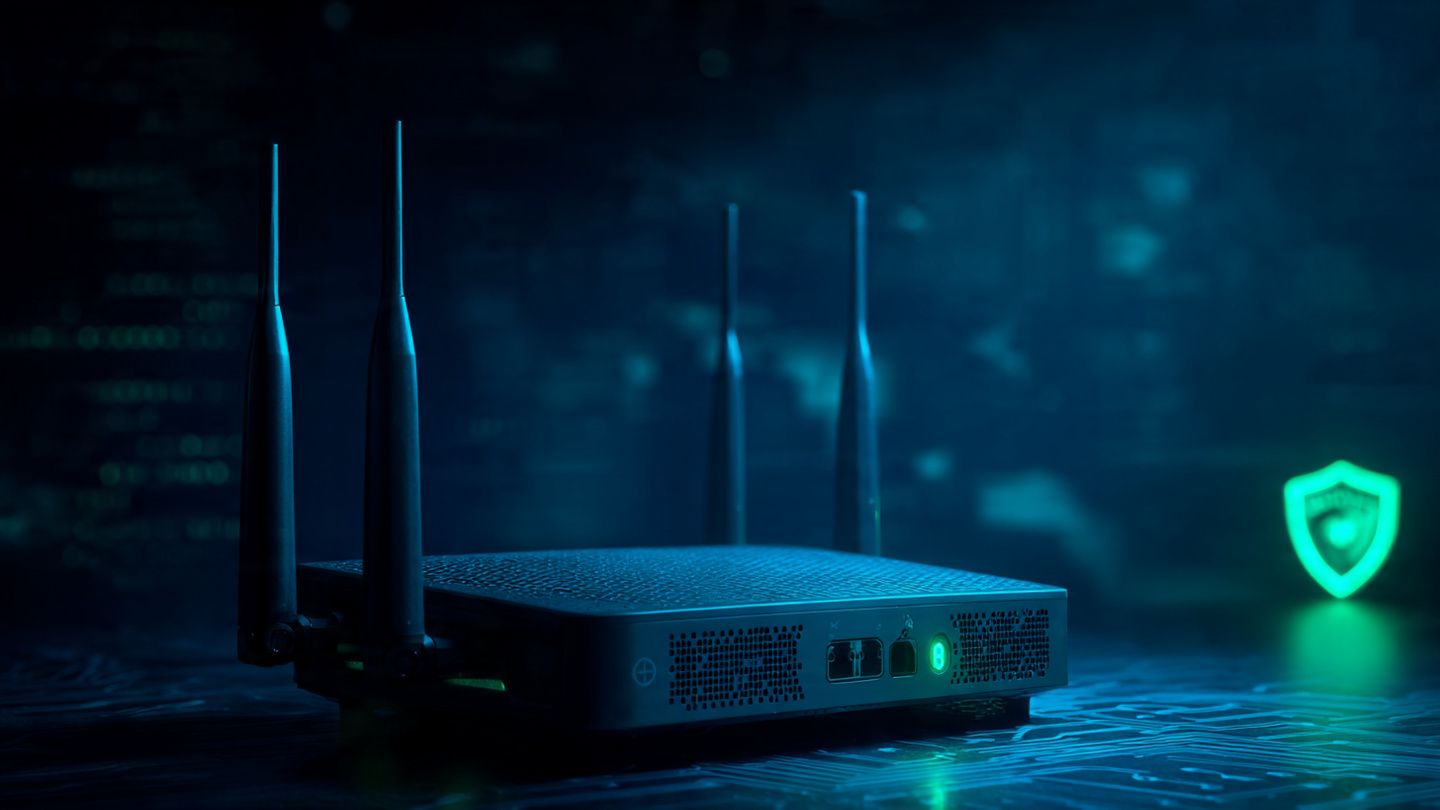
Why You Should Change Default Router Passwords: A One-Minute Security Fix That Can Save You Big Trouble
- super Admin
- Nov-10-2025 10:00 AM
- Internet
Why You Should Change Your Router’s Default Password
When you set up a new Wi-Fi router, it usually comes with a default username and password, like “admin” or “1234.” It might seem easier to leave these unchanged, but that’s a big security risk. Leaving your router’s default password is like leaving your front door wide open — and hackers know it.
Default Passwords: A Hacker’s Jackpot
Cybercriminals know that many people never change their router’s default login details. Lists of factory-set usernames and passwords for popular routers are even available online.
If hackers gain access to your router, they can:
-
Take control of your network traffic
-
Install harmful software (malicious firmware)
-
Steal personal or business data from connected devices
-
Use your network to attack others
In short, it’s an open invitation for cyberattacks.
Why Changing Your Router Password Matters
Changing your router’s default credentials is one of the easiest and most effective ways to secure your network. Doing so:
-
Stops unauthorized access to your router and network
-
Keeps your router’s software safe from tampering
-
Protects all connected devices, from laptops to smart TVs
This small step can make a big difference in your home or office cybersecurity.
How to Change Your Router Password
You don’t need to be a tech expert. Just follow these steps:
-
Log in to your router’s admin dashboard (the login address is usually printed on the router, like 192.168.1.1).
-
Go to the “Administration” or “Settings” section.
-
Change both the username and password.
-
Create a strong password using a mix of uppercase and lowercase letters, numbers, and symbols.
-
Save the changes and log in again with your new credentials.
That’s it! In just a few minutes, you’ve closed one of the easiest doors hackers could use.
Extra Tips for Stronger Security
Cybersecurity isn’t a one-time task; it’s an ongoing process. Make it a habit to:
-
Check your router’s security settings every 3–6 months
-
Update the firmware regularly
-
Turn off remote management if you don’t need it
-
Use WPA3 encryption for your Wi-Fi
These simple actions greatly reduce your risk of attacks.
Your router connects your devices to the internet. Securing it helps protect your personal data, gadgets, and everything you do online.
Latest Post
Why You Should Swap Passwords for Passphrases
Oct-22-2025 11:05 AM

How to Beat Multitasking and Boost Your Productivity
Sep-28-2025 16:14 PM
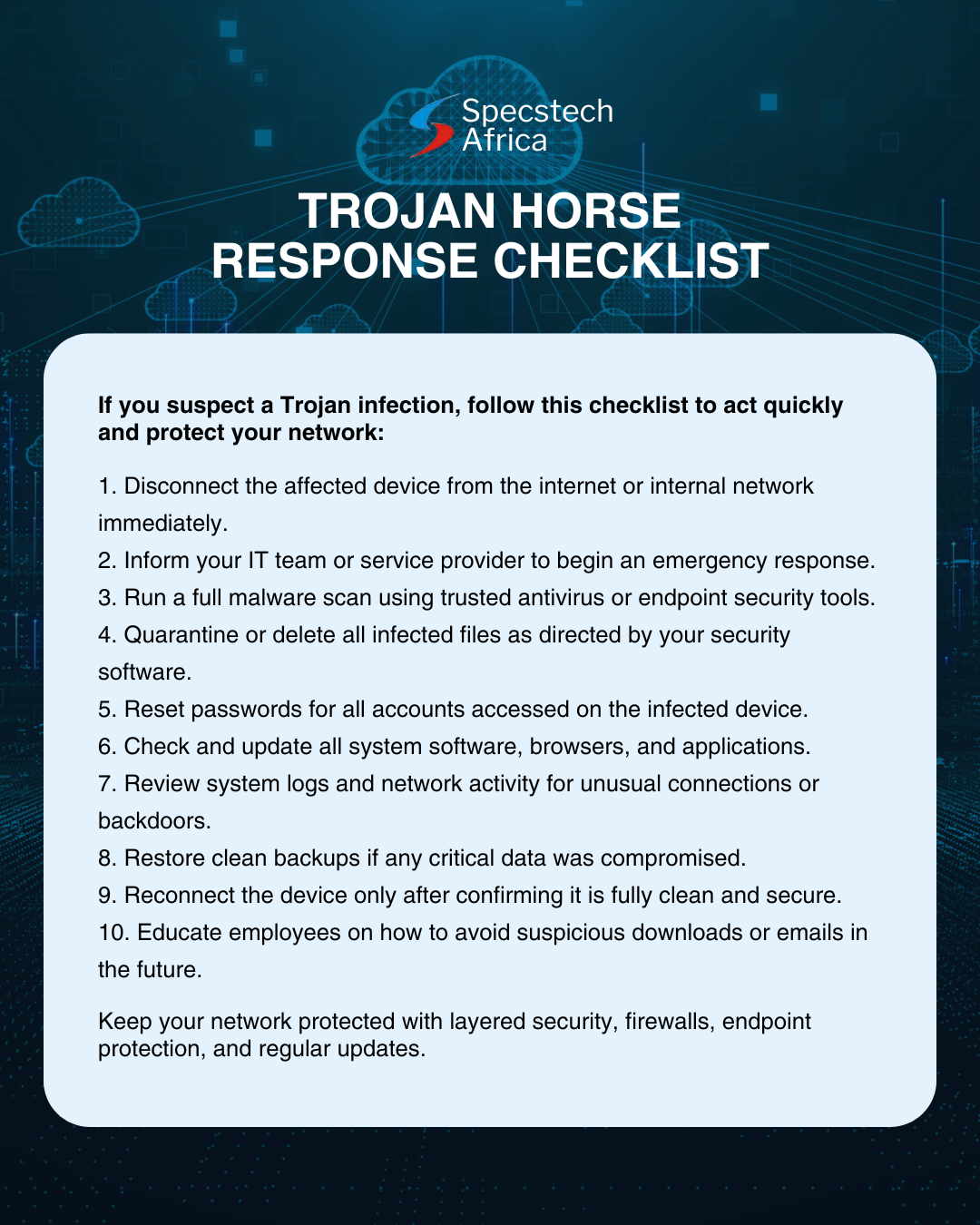
Trojan Horse Checklist
Sep-24-2025 13:00 PM
Share Links








All Comments